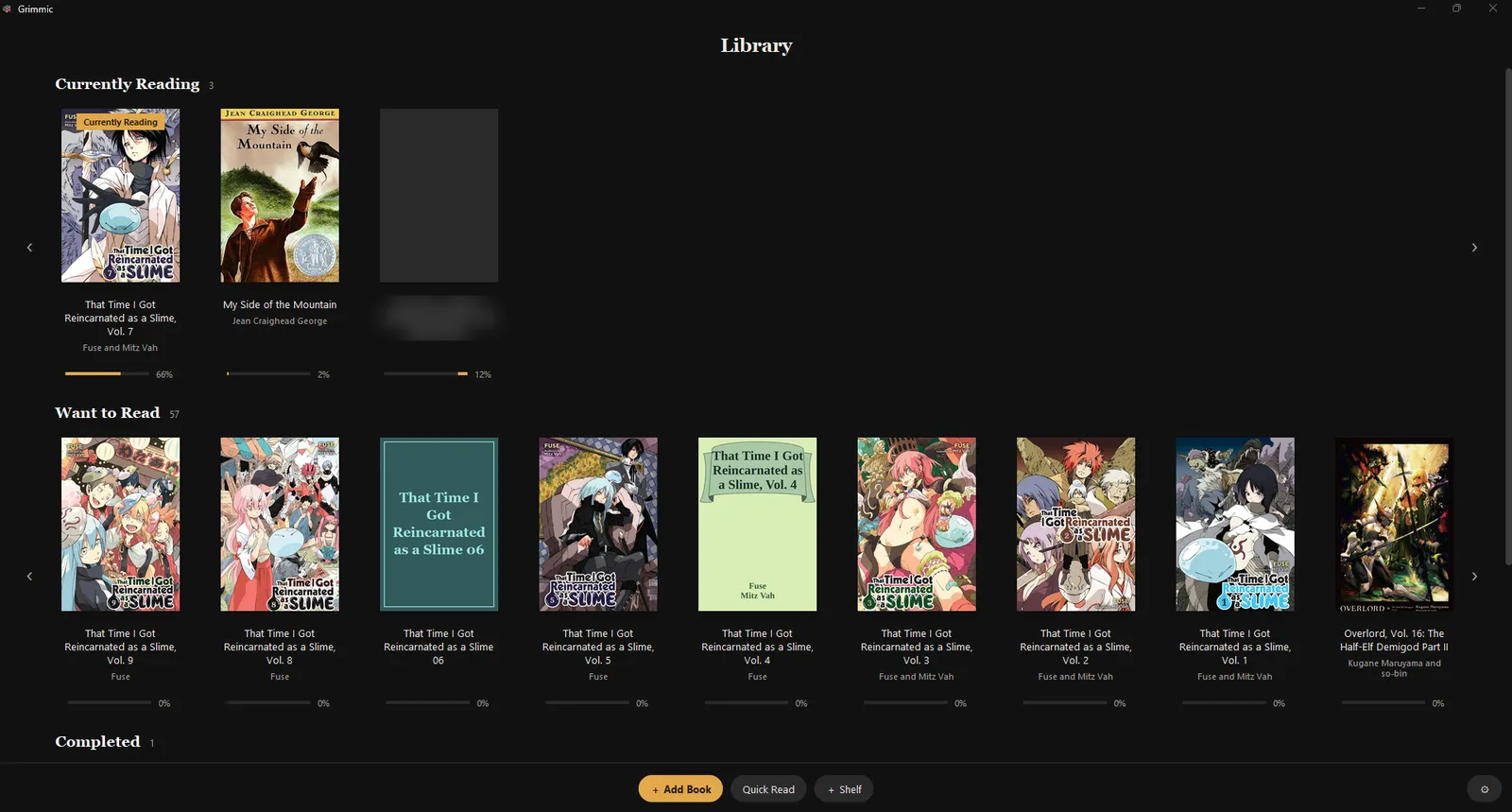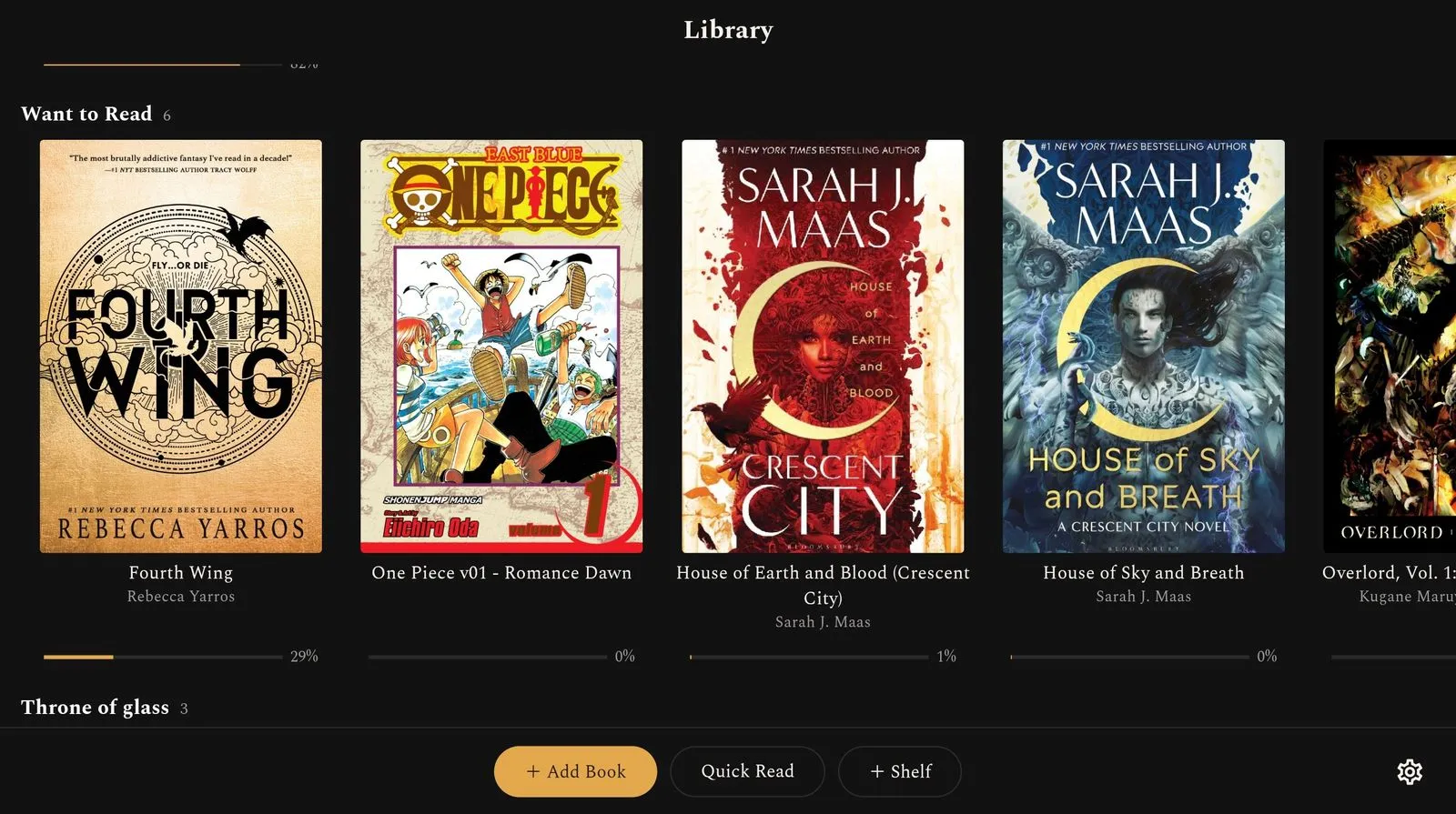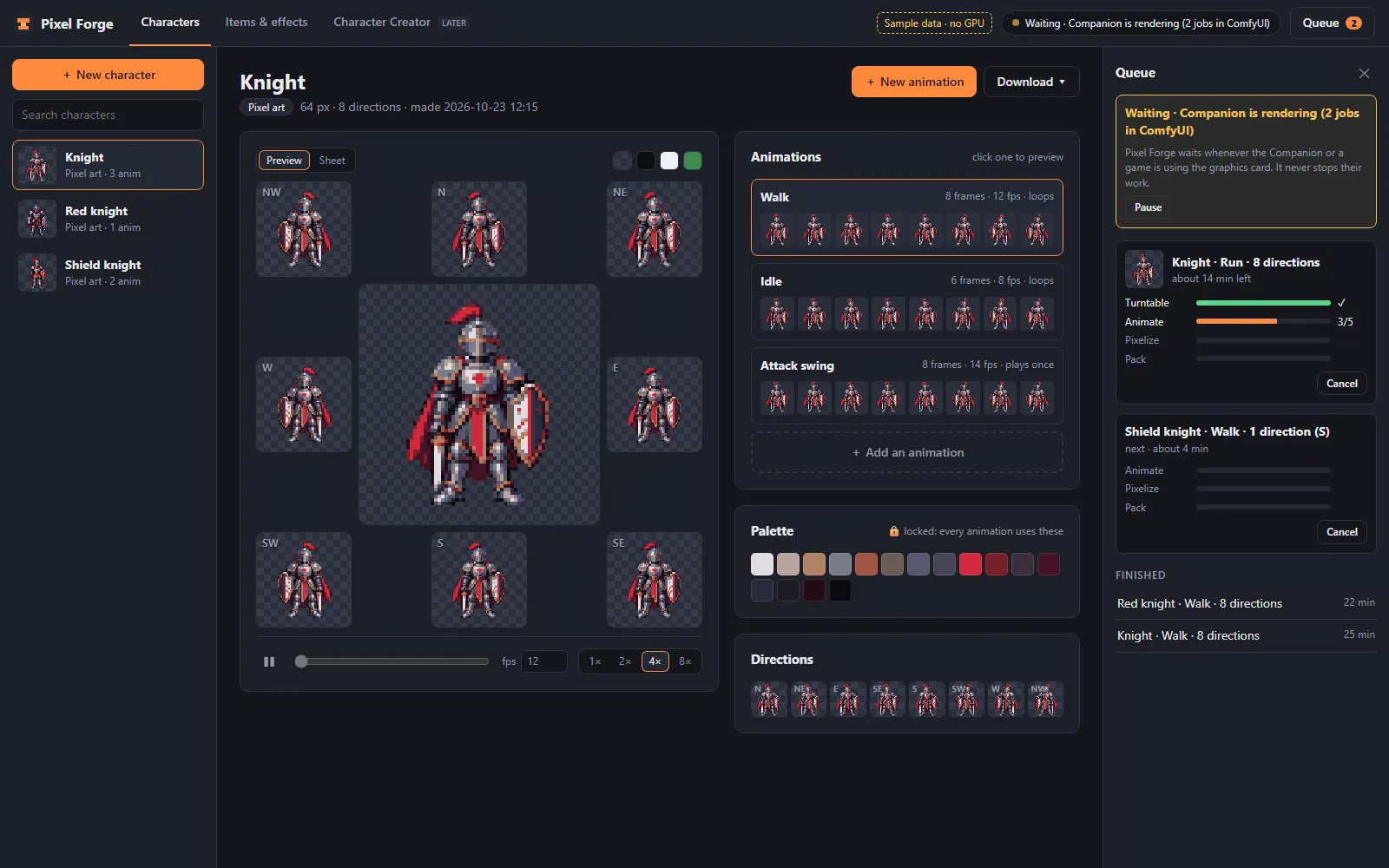
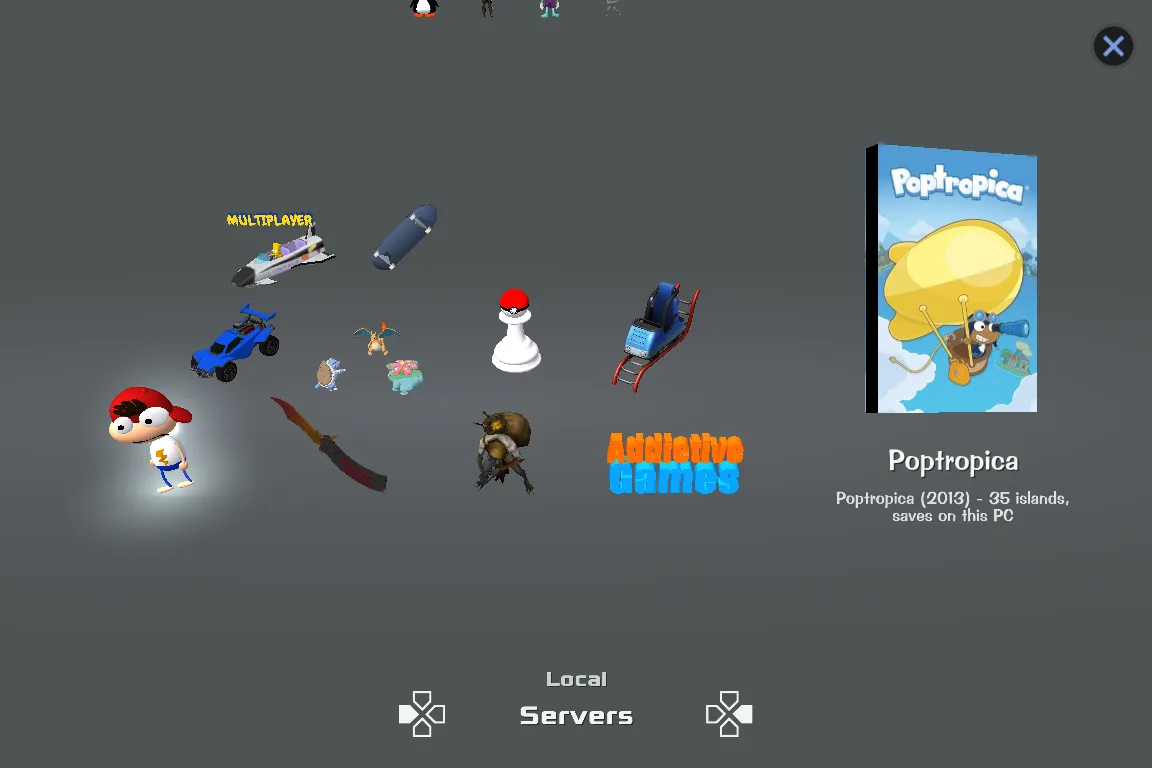
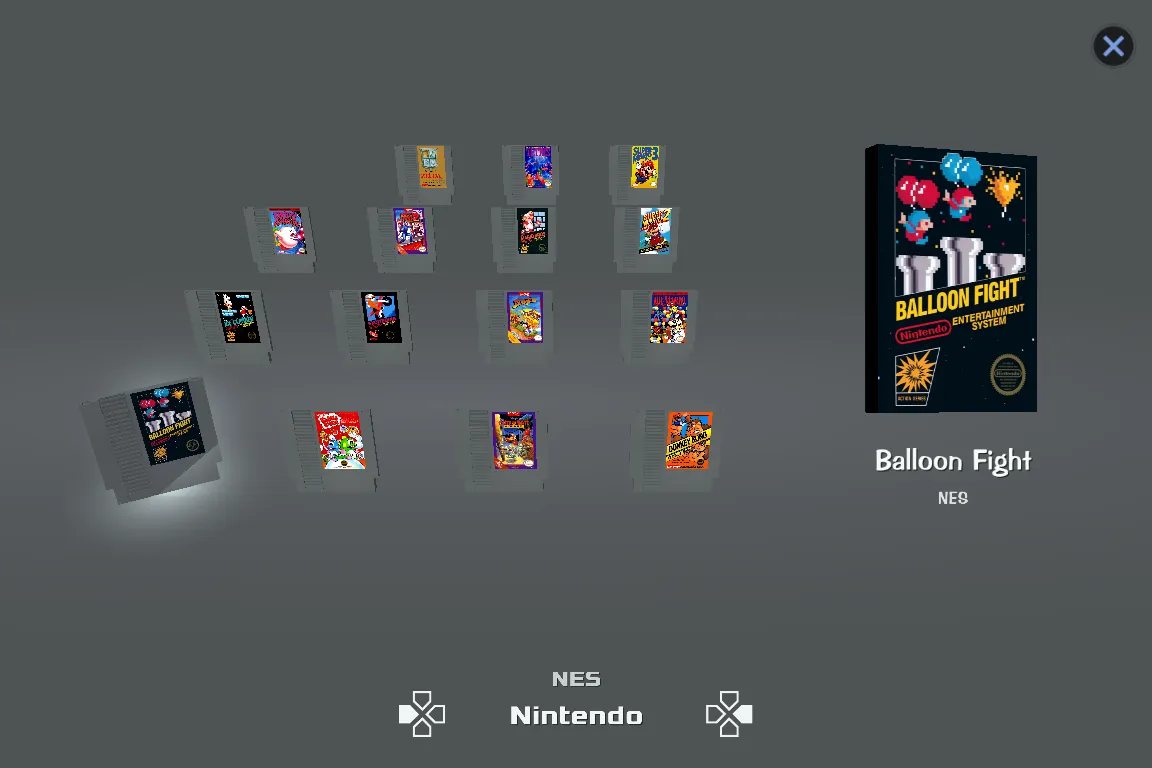
Behind the menu are about 260 game cards: retro consoles through emulators, PC games, and revival servers for old online games, all running on the home network.
It is a personal project built for one house, not a product. This copy is a snapshot of the code with private details, art and game files taken out.
Screenshots
Features
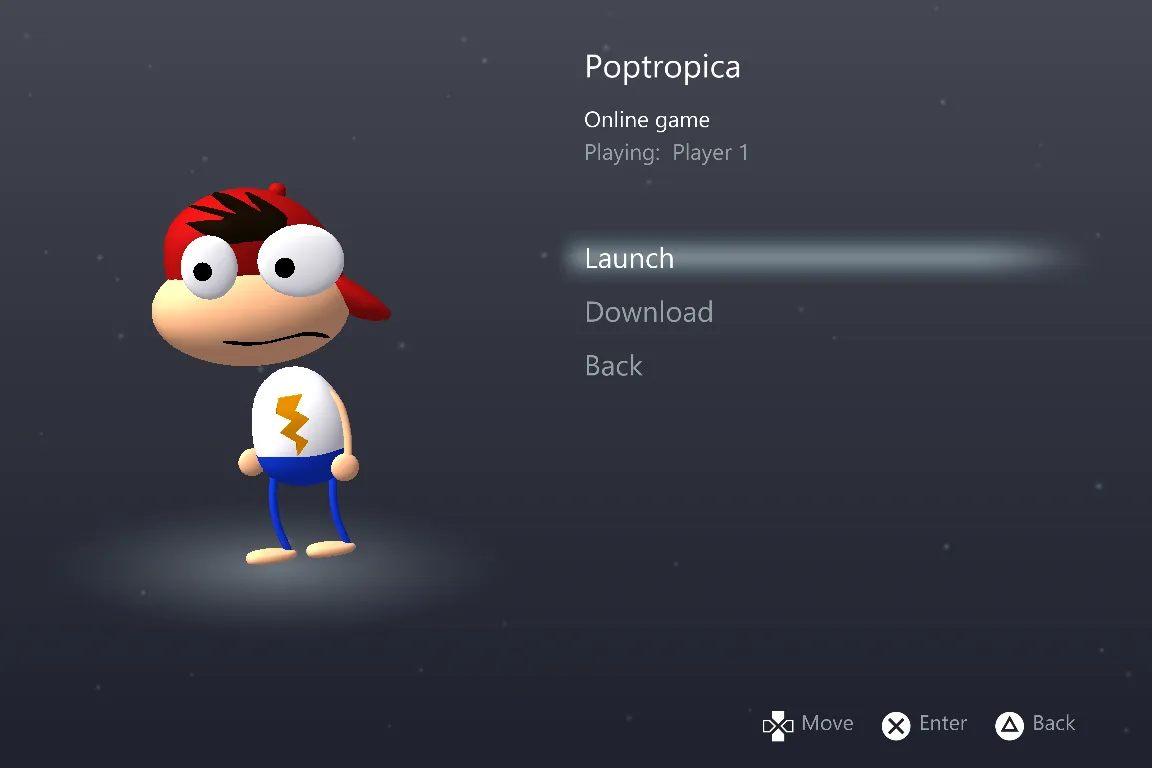
- PS2/PS3-style games menu for Windows, a 3D scene drawn with Panda3D, usable with a controller.
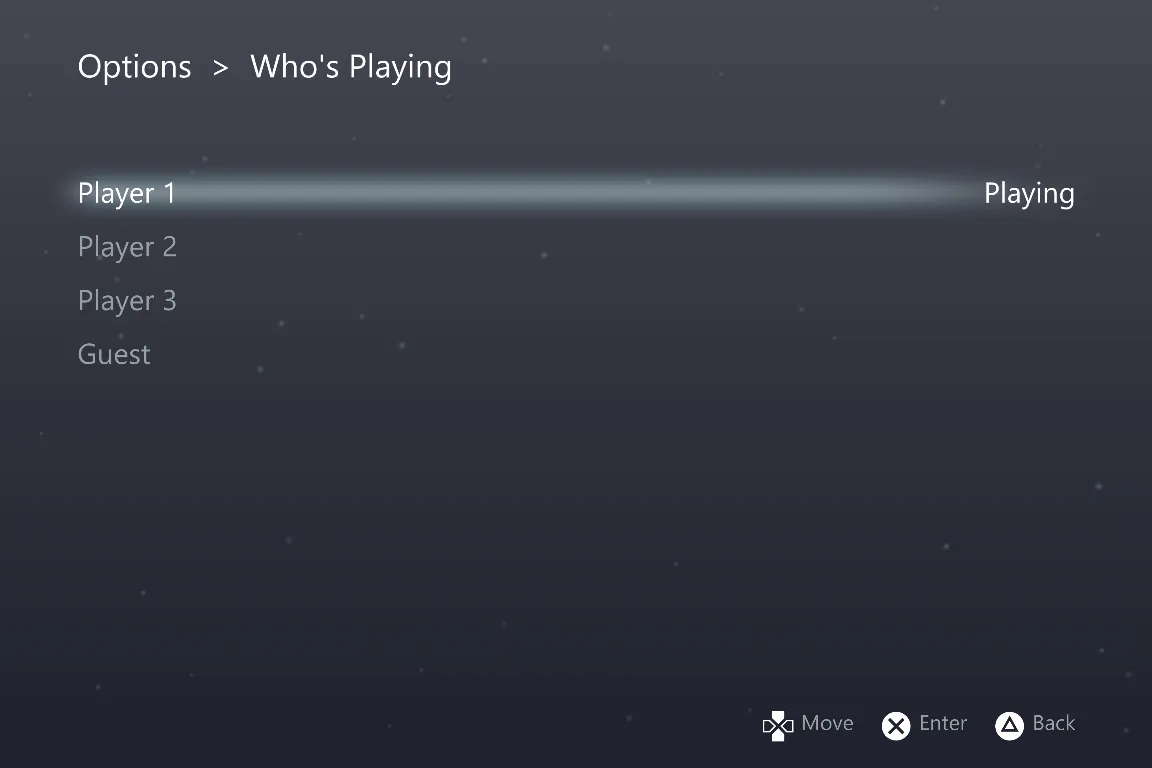
- Profiles from a config file; each game module turns the profile name into that game’s own account, so kids never see a login screen.
- Self-updating launcher: the client tree is synced from a LAN update server by manifest and hash, with an offline fallback and automatic crash/session-log upload.
- First-Play installs: a game card names a zip (plus patches) on the update server; the launcher downloads, unpacks and checks it.
- Game servers that sleep and wake: the dev panel stops an empty server after 10 minutes, and the launcher asks for it to be woken before Play.
- Hub service: leaderboards (stored, or read live from a game’s own data), Roblox (Novetus) place hosting, “Play together” emulator netplay discovery, Rocket League parties and ranks, bot difficulty for CS:GO and Fortnite, per-profile save storage.
- Dev panel for the server PC: one row per game server with status, player count, Start / Stop / Restart, logs, crash reports, and an Add Game tool (detects a game or disc image, fetches box art, builds the install zip and the game card, optionally sets up a LAN server).
- Add-ons for the servers that take plug-ins: bots for Club Penguin, old Roblox, CS:GO and Fortnite, kid-friendly rules, extra modes for Pokemon Showdown.
How it fits together
server PC:  update-server (:7200)   family-hub (:7300)   dev panel   game servers (WSL2 / Docker / Windows tasks)
player PCs: launcher  ->  familyhub modules  ->  games/*.json cards  ->  the game, logged in as the picked profile
The full picture is in docs/ARCHITECTURE.md.
| Folder | What it is |
|---|---|
launcher/ |
the launcher window and its boot stub |
familyhub/ |
client-side package: menus, installs, one module per kind of game |
games/ |
game cards (<id>.json); Flash game catalog |
family-hub/ |
the hub service (HTTP + SQLite) and its leaderboard adapters |
dev-launcher/ |
dev panel, Add Game tool, watchdogs (server PC only) |
update-server/ |
LAN update server, area-scoped publish and promote tools |
servers/ |
per-game server glue: start/stop scripts, build scripts, add-ons, patches |
leaderboard-builder/ |
Toontown podium leaderboard builder |
ps2/tools/ |
builder for the optional PS2-style opening |
ops/ |
server watchdog script |
Setting it up
Honest version: this was written for one specific house, and it shows. Paths like C:/Games/...
and D:/Games/..., Python 3.10, the Panda3D 1.11 SDK and WSL2 Ubuntu are assumed all over, and
every game needs its own server and client files, which are not included. Read this as an outline.
- Server PC: Windows 10/11 with WSL2 (Ubuntu) and Docker inside it, Python 3.10, and the
Panda3D 1.11 SDK (its
ppythonruns the launcher and the Toontown parts). - Placeholders: replace
SERVER-PC(hostname),<server-ip>(LAN address),<repo>/$REPO(where this folder lives) andC:\Users\<you>in the cards and scripts you use. Some tools also readFAMILY_SERVER_IPfrom the environment. - Profiles: copy
launcher/launcher-config.example.jsontolauncher/launcher-config.json, setupdate_server/game_server, and list your profiles undertokens. - Services on the server PC:
python update-server/serve.py(port 7200),family-hub/Start-Hub.bat(port 7300), and the dev panelppythonw dev-launcher/dev_panel.py.Start-Server.batstarts all of them together with the Toontown server. - Games: for each game you want, set up its server from
servers/<game>/(the scripts and READMEs there say what they expect), put its install zip underupdate-server/webroot/games/<id>/, and check the paths ingames/<id>.json. Remove the cards you do not use; a card that points at a missing server just will not start. - Player PCs: copy the published client folder (or this repo’s
launcher/+familyhub/+games/) and runlauncher/ToontownLauncher.bat, orppython launcher/launcher_boot.py.
The launcher’s own art (buttons, panel, music, icons) is not included; it falls back to a plain drawn look when the art is missing.
Supported games
Consoles through emulators (one module each): NES, SNES, Game Boy / Color / Advance, N64, PS1 and PSP (RetroArch), Nintendo DS (melonDS), 3DS (Azahar), GameCube and Wii (Dolphin), Switch (Eden), PS2 (PCSX2), PS3 (RPCS3, with an RPCN server), Xbox (xemu), Xbox 360 (Xenia). “Play together” (two-PC netplay or local wireless) is wired up for RetroArch, Dolphin, melonDS, Azahar, Eden and xemu.
Online games on a home server: Toontown (Open Toontown, plus a vanilla 2013 server), Club Penguin, Pirates Online, Poptropica, old Roblox (Novetus), RuneScape 2009 (2009scape), World of Warcraft Classic (CMaNGOS), Wizard101, City of Heroes, Marvel Heroes, Diablo III, Fortnite Chapter 1, Pokemon Showdown, Pokemon Auto Chess, Robocraft.
PC games on the LAN: Counter-Strike: Global Offensive (offline, with bots), Rocket League (offline), Minecraft and its modpacks (All of Create, COBBLEVERSE, SkyFactory 4, Tekkit 2), Terraria with tModLoader, OpenRCT2, The Simpsons: Hit & Run multiplayer, Skate 3, Super Smash Bros. Melee, Unturned, Garry’s Mod TTT (server side only), and a picker for Flash games from Flashpoint.
Every game, emulator, server and BIOS has to come from your own copies or the projects below. Nothing like that is in this repo.
Built with
Python 3 (standard library, Tk, http.server, SQLite), Pillow, Panda3D, PowerShell, bash in WSL2,
Docker, Node.js and TypeScript (Pokemon Showdown plug-ins, test bots), Lua (Novetus and Garry’s Mod
add-ons), C++ (CS:GO bot plug-in, Fortnite Reboot patches), C# (tModLoader mod).
Status
In daily use at home, and still changing most days. Snapshot of 4 October 2026. Rough edges you will meet:
- Many comments mention design notes that are not part of this public copy.
- The hub in this snapshot does not yet have the
/wakeand/serverstateendpoints that the launcher and dev panel call; both carry on without them (no auto-wake). - Paths, ports and drive letters are the ones from my PCs.
- No automated test suite beyond the self-test “gate” scripts next to the code.
Recent changes
- 2026-11-15: World of Warcraft quest help for every player: quest givers, objectives on the map and minimap, an arrow to the next one, and a movable map with coordinates. The launcher fetches just the small add-on pack on the next Play, not the whole game.
- 2026-11-08: Minecraft LAN worlds: the house’s PCs see and join each other’s “Open to LAN” worlds, in plain Minecraft and all four packs; internet servers stay locked.
- 2026-11-07: Minecraft packs lose their web-link and public-server buttons at every launch, so the title screens keep only Single Player and the house’s own server.
- 2026-11-06: a new plain Minecraft card; packs open straight to the title screen with Single Player any time, and opening Multiplayer wakes the house server (“waking up the server…” until it is ready).
- 2026-11-06: old Roblox (Novetus) robots work again: they join soon after the first player, play the map, claim tycoon plots and buy upgrades, and leave only after the last player leaves.
- 2026-10-28: the Club Penguin and CS:GO bot add-ons renamed to plain “bots” names throughout.
- 2026-10-26: the hub and its watchdogs no longer start a new program every minute (each start leaked a little Windows memory until restart).
Credits
This launcher only glues other people’s work together. Each project keeps its own license; check its page before you use it.
| Project | Used for | License |
|---|---|---|
| Open Toontown | Toontown client and server | BSD-3-Clause |
| Panda3D | runtime for the launcher and Toontown | BSD-3-Clause |
| Waddle Forever | Club Penguin server | MIT |
| Houdini | Club Penguin server | see upstream |
| Ruffle | Flash player for Club Penguin | MIT or Apache-2.0 |
| Flashpoint Archive | Flash games and Poptropica | see upstream |
| Novetus | old Roblox clients and host | see upstream |
| 2009scape | RuneScape 2009 server | see upstream |
| CMaNGOS Classic | World of Warcraft Classic server | GPL-2.0 |
| MHServerEmu | Marvel Heroes server | see upstream |
| Ouroboros (City of Heroes Volume 2) | City of Heroes server | see upstream |
| DiIiS / Blizzless | Diablo III server | see upstream |
| Imlight | Wizard101 server | see upstream |
| Project Reboot 3.0, Reload backend, Cobalt | Fortnite server and client patch | see upstream |
| csgo_gc | CS:GO game coordinator stand-in | see upstream |
| Pokemon Showdown | Pokemon battle server | MIT |
| Pokemon Auto Chess | Pokemon Auto Chess server | see upstream |
| OpenRCT2 | RollerCoaster Tycoon 2 | GPL-3.0 |
| tModLoader | modded Terraria | see upstream |
| OpenJam | Robocraft server | see upstream |
| RetroArch | retro consoles | GPL-3.0 |
| Dolphin | GameCube and Wii | GPL-2.0-or-later |
| melonDS | Nintendo DS | GPL-3.0 |
| Azahar | Nintendo 3DS | see upstream |
| Eden | Nintendo Switch | see upstream |
| PCSX2 | PlayStation 2 | see upstream |
| RPCS3 and RPCN | PlayStation 3 and its online server | see upstream |
| xemu | original Xbox | see upstream |
| Xenia | Xbox 360 | see upstream |
| Lilita One, Luckiest Guy fonts | PS2 opening titles | SIL OFL 1.1, Apache-2.0 (license files next to the fonts) |
All trademarks and games belong to their owners. This project is not affiliated with any of them.
License
No license yet: all rights reserved for now. The fonts in launcher/assets/startup/fonts/ keep their
own licenses (included next to them).